Set it and Forget it Convenience


Set It. Customize It. Forget It.
Take back your weekends with effortless automated lawn care.


Quantity

Shipping Free Over €99

30 Days Return

3 Years Warranty

24/7 Customer Support


Set it and Forget it Convenience
All-Terrain Mowing
Inch Precision & Navigation
Built To Last
FlowCut™ Technology and Mulching
Anti-theft Protection
Smart App Controls and Features
Take back your weekends with effortless automated lawn care.


No need to dig and damage your lawn with wires. Simply install the charging station, charge up, and start designating zones in the AIRSEEKERS APP. TRON will handle the rest.
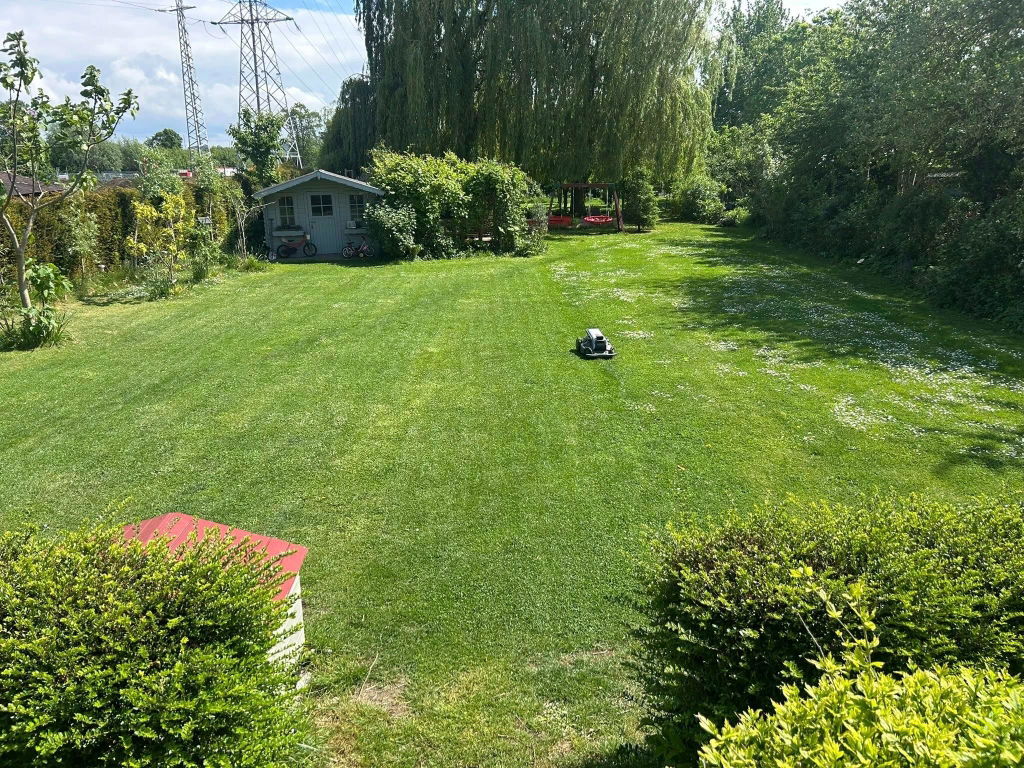
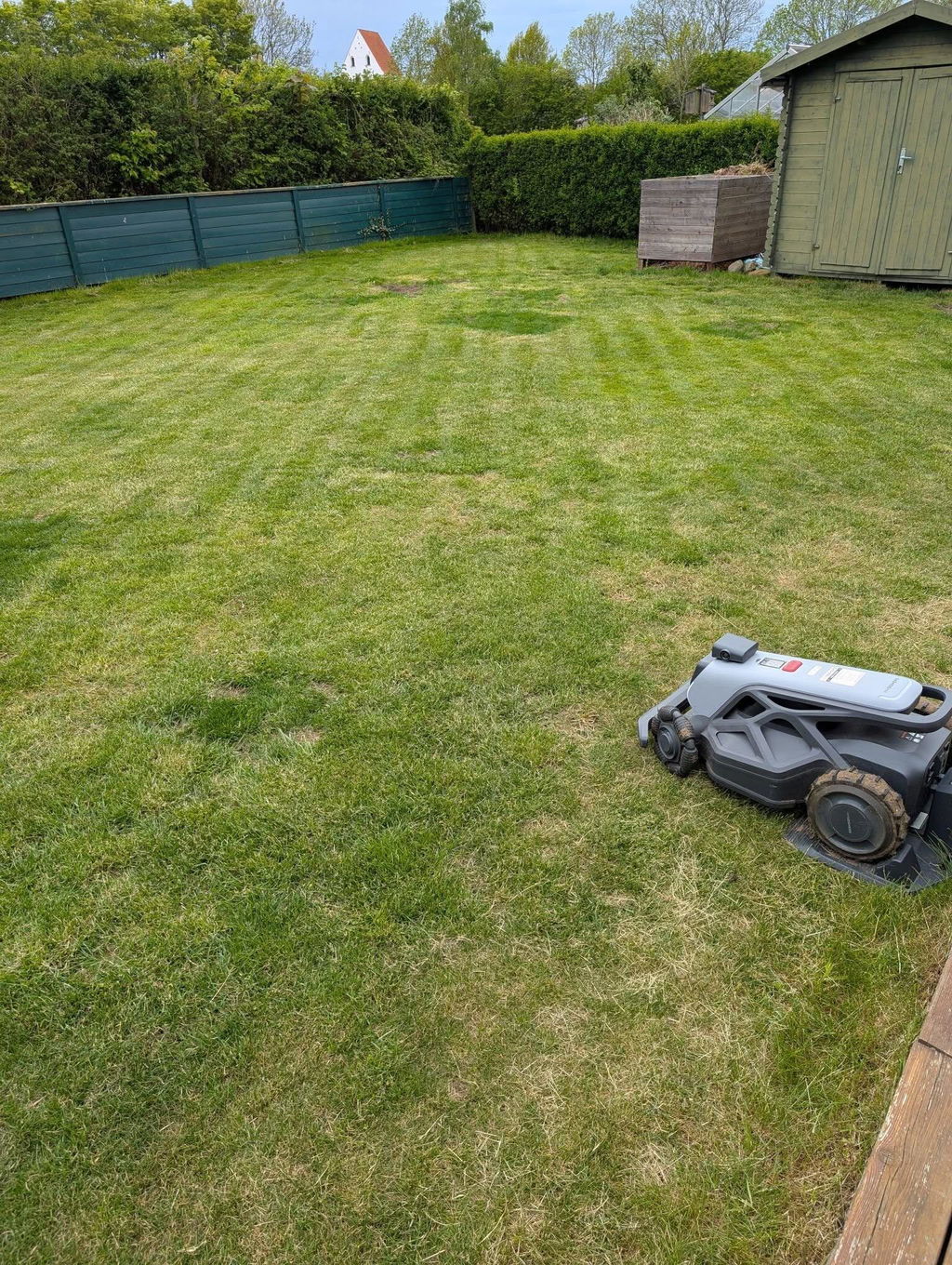
From edge to edge, the TRON delivers a clean and tiddy lawn with every pass. Mowing all the way up to walls and fences for a clean look as well as inch-level precision around the precious flower beds.
Enjoy the power of automation and your new found free time while TRON mows exactly when you want it and how you want it, with an easy to set up mowing schedule in the AIRSEEKERS App

TRON easily climbs up slopes with confidence, even over loose and uneven terrain.

Work in tandem for overpowering rear-wheel drive to power over slopes and rough terrain with ease.

The TRON's front wheels are tilted 30° and made up of twelve segments so it can smoothly pivot on dime and glide safely across the grass.

Four large wheels give TRON the offroad confidence stability and traction to climbs slopes, crosses ruts, and powering through uneven turf with total confidence.
Customize and automate your lawn care through the AIRSEEKERS App


Set up to 80 independent zones in your lawn, each with its own schedule, cutting height, and mowing pattern. Ideal for properties with mixed grass types, separate areas, or different seasonal needs.
Customize mowing height, direction, and schedules for different zones. From close-cut garden beds to taller orchard sections, TRON adapts intelligently so your entire lawn looks exactly how you want it to.
Automatically returns to dock when the battey is low or if rain is detected.
Consistent performance wherever it mows.

Zoysia Grass

Bentgrass

Fine Fescue

Kentucky Bluegrass

Sedge Grass

St. Augustine Grass


Network RTK combined with 300° omni‑vision delivers inch‑level accuracy and stable navigation in any scenario. Unparalleled edge-to-edge coverage, no matter under trees, inside narrow paths, or around tight corners.
TRON pairs obstacle detection sensors with a AI enhanced 300° field of view to identify and avoid obstacles in its path, keeping pets and fixtures safe while mowing.


Glides across the grass without harming a blade of grass
Glides across the grass without harming a blade of grass


As cool as it is tough, the TRON holds nothing back. Mowing your lawn just how you want and looking cool while it works.
As cool as it is tough, the TRON holds nothing back. Mowing your lawn just how you want and looking cool while it works.
The TRON will always be ready to tackle your lawn care needs for you, now and in the future.


Never let a recharge slow you down. Swap batteries for continous mowing.
Never let a recharge slow you down. Swap batteries for continous mowing.


A quick 3 minute rinse and TRON is clean and ready for it's next scheduled mowing.
A quick 3 minute rinse and TRON is clean and ready for it's next scheduled mowing.

FlowCut creates a cyclonic airflow that shreds clippings into micro-fine particles that vanish into the soil, naturally feeding your lawn with every cut.


Creat the idealic lawn with straight stripes and evenly cut grass across your lawn.


Your data and infomration will be kept safe and will not be shared to third-parties.
Your data and infomration will be kept safe and will not be shared to third-parties.


Monitor, customize, and control everything about your TRON, from the schedule, to the cutting height, to the zones, to direct control.
Monitor, customize, and control everything about your TRON, from the schedule, to the cutting height, to the zones, to direct control.
Rest easy knowing your lawn is in good hands with TRON.

Rest assured by always knowing where your TRON is with its real time GPS location.
Rest assured by always knowing where your TRON is with its real time GPS location.

On the rare occasion that TRON travels beyond the set boundaries, a notification alert will be sent to the AIRSEEKERS App.
On the rare occasion that TRON travels beyond the set boundaries, a notification alert will be sent to the AIRSEEKERS App.


Monitor TRON's location at any time with the app's GPS.
Monitor TRON's location at any time with the app's GPS.

At ≤65dB, the TRON is a quiet and efficient mower that will not disturb the neighbors, friends, or pets.
At ≤65dB, the TRON is a quiet and efficient mower that will not disturb the neighbors, friends, or pets.

TRON will automatically return to dock safe and sound thanks to its IPX6 waterproof rating.
TRON will automatically return to dock safe and sound thanks to its IPX6 waterproof rating.

The TRON PLUS is equiped with advance night vision technology and a built in light module to help with night time mowing.
The TRON PLUS is equiped with advance night vision technology and a built in light module to help with night time mowing.

AIRSEEKERS TRON*1
Swappable Battery*1

RTK Signal Base Station*1
RTK Mounting Pole*3
RTK Ground Stake*1
RTK Antenna*1
RTK Adapter*1

Charging Tower*1
Charging Base Plate*1
Charging Station Adapter*1
Charging Plate Screw*10
Ground Stake*10
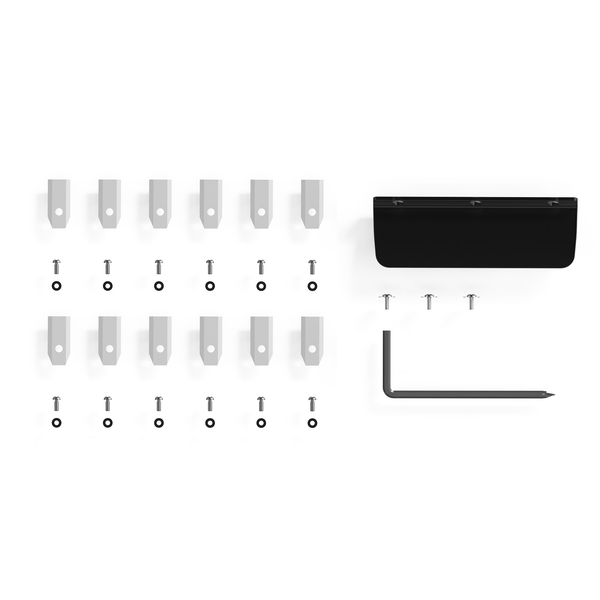
Hex Key Screwdriver (2-in-1)*1
Blade Spare Screw*12
Spare Blade*12
Mudguard*1
Mudguard Screws*3
*Upgraded cutting width up to approx. 270mm after replacement

User Manual*1
Quick Guide*1
Yes. This rear-wheel drive traction system is designed to maintain traction on slopes up to 65%, even on uneven or loose surfaces.
Yes. With low-noise operation and intelligent navigation, it is fully capable of night mowing.
Please read the safety manual before installation. Place the charging station on a flat, open surface with at least a 2×2 meter obstacle-free area in front. Avoid areas prone to flooding or heavy foot traffic. The RTK base station can share a power source with the charging station or be installed independently in an open area for optimal signal coverage. After assembly and power connection, place Tron in the charging station. When the indicator turns green and the front and rear lights show flowing green lights, it indicates charging. Once fully charged, the lights will stay solid green.
After powering on TRON, enable Bluetooth and connect to Wi-Fi on your phone. Open the app and scan the QR code on the device to pair. First-time pairing also requires scanning the RTK QR code. During pairing, a blue light will flash. A successful connection is confirmed with a sound and normal lighting.
Please check the following: Is the battery charged and properly installed? Is the power switch on? Are there any error messages or warning lights? Is the blade disc jammed? Are the safety sensors functioning properly? If all checks are fine, try resetting the device. If it still won’t start, contact after-sales support.
This may be due to: 1) The robot is outside its working zone or path. Please adjust its position. 2) The RTK signal is weak due to distance or obstructions. Check the signal and move the robot to an open area if needed. 3) The path is blocked. Clear any obstacles from the route.
TRON is equipped with AI-based obstacle detection sensors that can recognize and avoid obstacles and small animals.